# OpenTelemetry Logs

## OTLP Logs Forwarder

The OTLP Logs Forwarder lets you send logs in OTLP (OpenTelemetry Protocol) format to any external backend that supports OTLP over HTTP. This is useful for integrating Ascent with centralized log aggregation systems, custom log analysis pipelines, or third-party services that support OTLP logs.

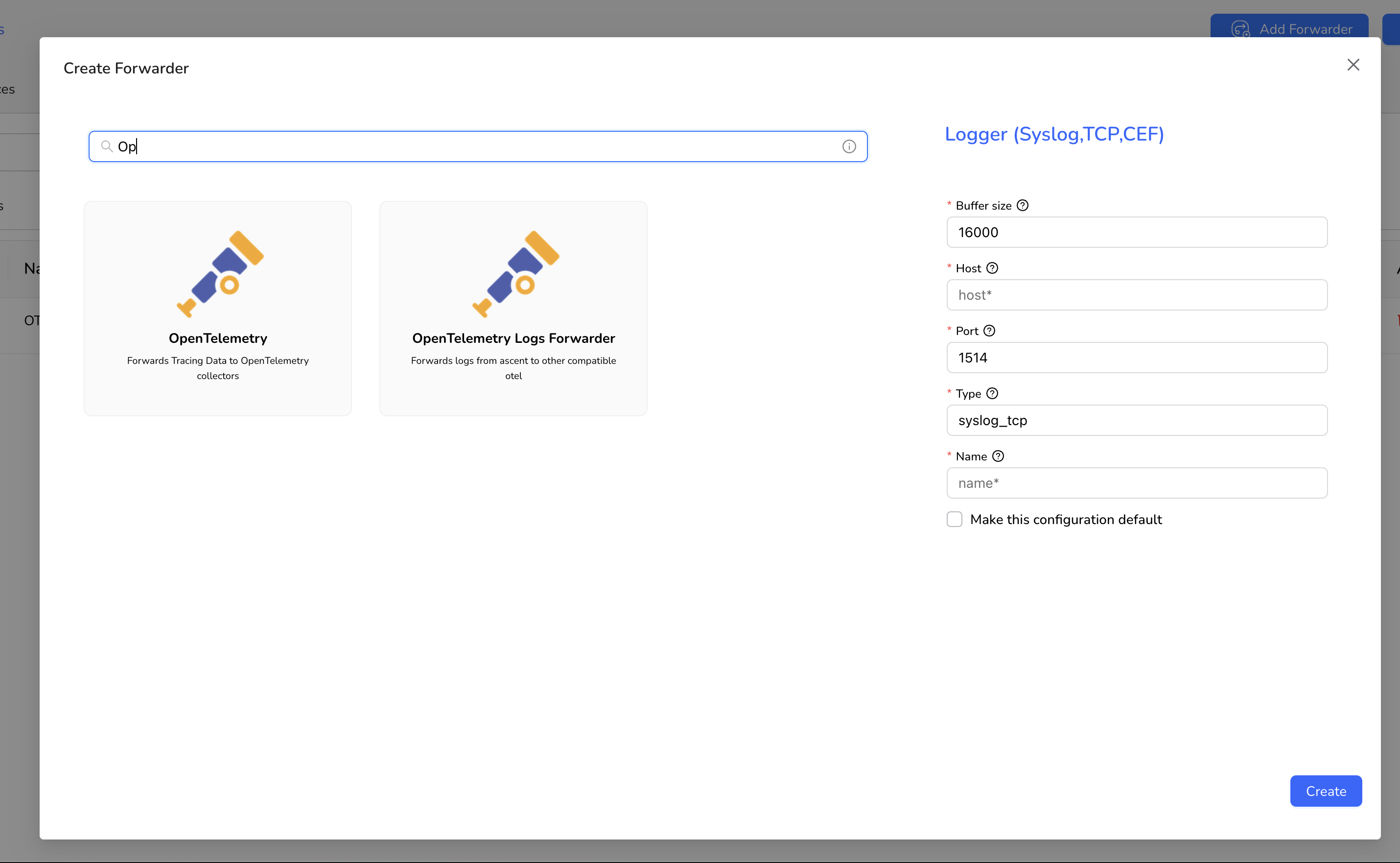
You can configure and manage the OTLP Logs Forwarder via the **Forwarders** section of the Ascent UI.

<figure><img src="/files/gC85GWpsyNZR0bv0ix0o" alt=""><figcaption></figcaption></figure>

***

### Configuration

When setting up an OTLP Logs Forwarder, you can define:

<table><thead><tr><th width="154.4453125">Field</th><th width="82.66015625">Type</th><th width="88.203125">Required</th><th>Description</th></tr></thead><tbody><tr><td><code>endpoint</code></td><td>string</td><td>✅</td><td>Full URL to which OTLP metrics will be sent. Example: https://example.com/v1/metrics</td></tr><tr><td><code>headers</code></td><td>string</td><td>❌</td><td>Optional comma-separated list of headers (<code>key=value</code>) to include in POST.</td></tr><tr><td><code>output_format</code></td><td>string</td><td>✅</td><td>Choose between <code>proto</code> (Protobuf encoding) or <code>json</code> for compatibility with your target system.</td></tr><tr><td><code>name</code></td><td>string</td><td>✅</td><td>Name of the forwarder</td></tr></tbody></table>

***

### How It Works

Once you create and configure a forwarder, it can be mapped to any namespace and app that is actively sending OTLP-formatted logs to Ascent.

All incoming logs will be converted to the OTLP logs format and will be automatically forwarded to the specified endpoint using the defined output format.

***

### Notes

* The OTLP Logs Forwarder supports only HTTP-based OTLP endpoints.
* Ensure your external destination complies with the OTLP Logs Specification.
* You can optionally apply JavaScript-based transformation rules in Ascent before forwarding.


---

# Agent Instructions: Querying This Documentation

If you need additional information that is not directly available in this page, you can query the documentation dynamically by asking a question.

Perform an HTTP GET request on the current page URL with the `ask` query parameter:

```
GET https://docs.apica.io/flow/list-of-forwarders/logs.md?ask=<question>
```

The question should be specific, self-contained, and written in natural language.
The response will contain a direct answer to the question and relevant excerpts and sources from the documentation.

Use this mechanism when the answer is not explicitly present in the current page, you need clarification or additional context, or you want to retrieve related documentation sections.
